
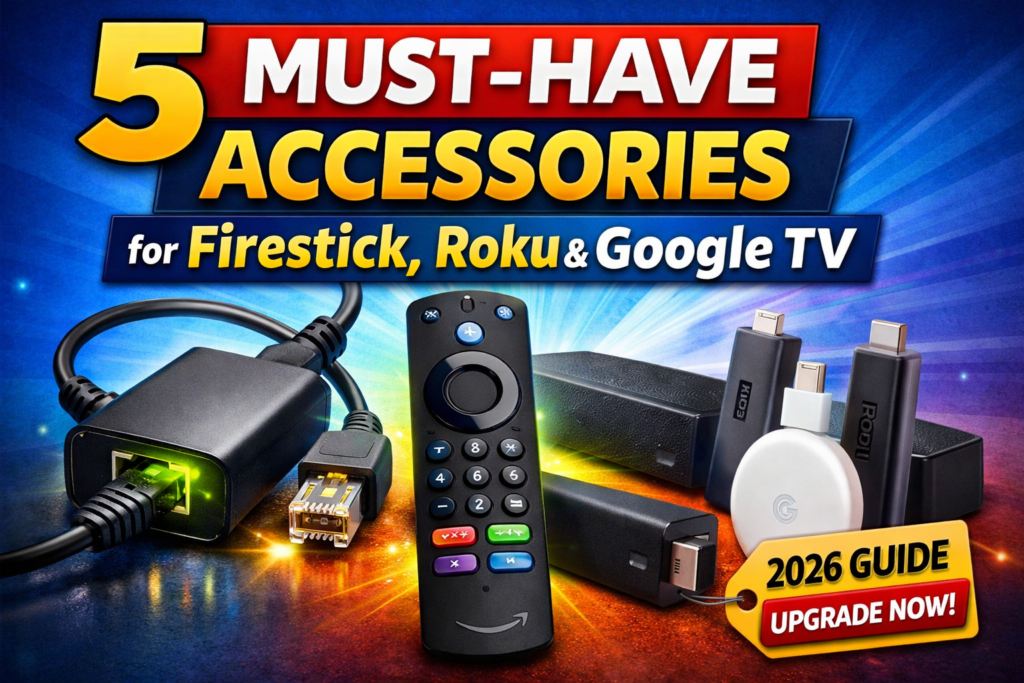

5 Must-Have Accessories for Firestick, Roku & Google TV (2026)
Streaming devices like Firestick, Roku, and Google TV have transformed how we watch TV. They’re affordable, powerful, and incredibly convenient — but out of the box, they rarely deliver the best possible experience.
Here’s the truth most people discover later:
👉 A few simple accessories can dramatically improve performance, convenience, and overall enjoyment.
In this guide, we’ll cover the five most impactful upgrades you can add to your streaming setup today, why they matter, and who will benefit most from each one.
Why Streaming Accessories Make Such a Big Difference
Streaming devices are designed to be compact and cost-effective, which means they rely heavily on your network, power setup, and peripherals to perform at their best.
The right accessories can help:
- Reduce buffering
- Improve navigation
- Enhance audio quality
- Increase reliability
- Unlock better picture performance
These aren’t luxury upgrades — they’re practical improvements that many users wish they had added sooner.
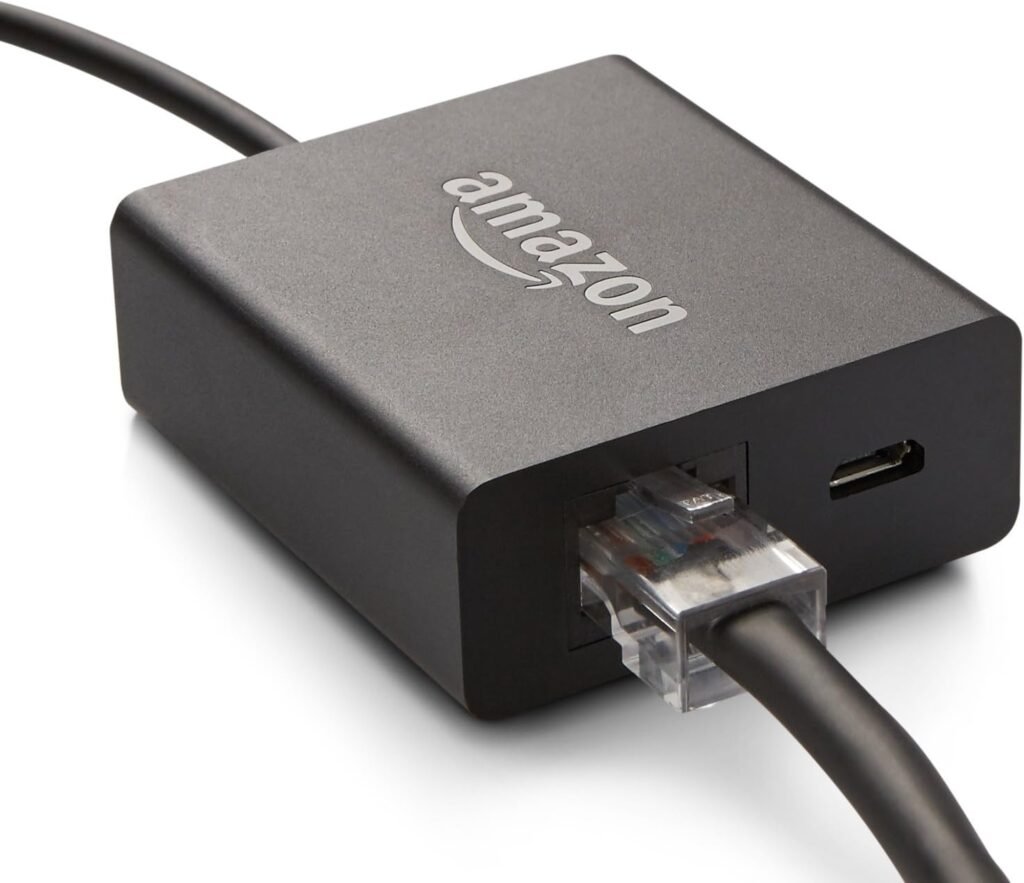
1. Ethernet Adapter — The Best Upgrade for Faster, More Stable Streaming
Why it matters
Wi-Fi is convenient, but it can be inconsistent, especially in homes with many connected devices. Even a strong signal can fluctuate, causing buffering or lower video quality.
An Ethernet adapter allows your streaming device to connect directly to your router, delivering:
- More stable connection
- Faster app loading
- Less buffering
- Smoother 4K playback
Who should get it
✔️ Anyone experiencing buffering
✔️ Busy households with multiple devices
✔️ People who stream in 4K
For most users, this is the single upgrade that delivers the most noticeable improvement.
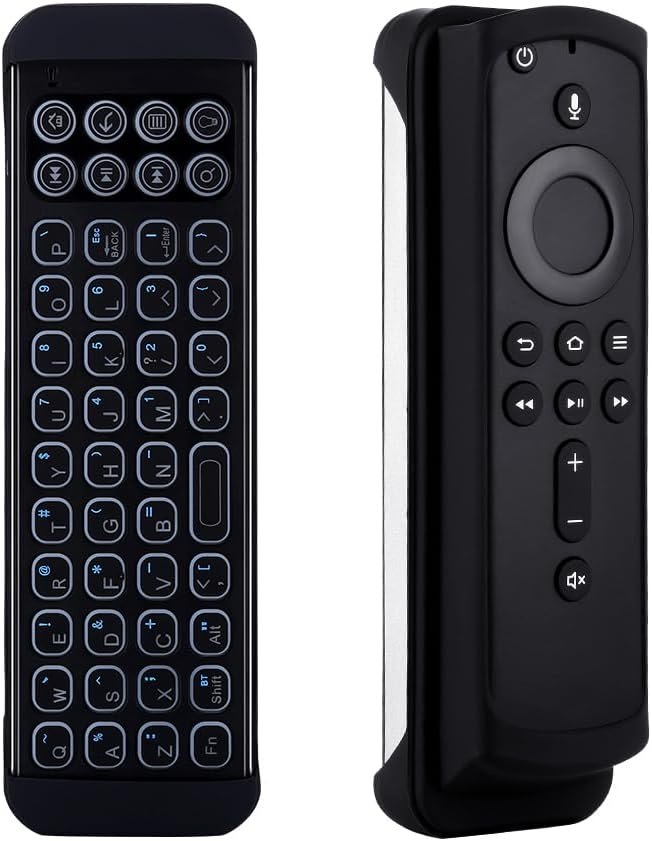
2. Backlit or Replacement Remote — A Daily Convenience Upgrade
Why it matters
The remote is the main way you interact with your streaming device, yet many stock remotes are basic and hard to use in low light.
An upgraded remote can offer:
- Backlit buttons for nighttime use
- Better layout and responsiveness
- Shortcut keys for faster navigation
- Improved durability
Who should get it
✔️ Nighttime viewers
✔️ Anyone frustrated with their current remote
✔️ Families sharing a TV setup
It’s a simple change that makes everyday use more comfortable.
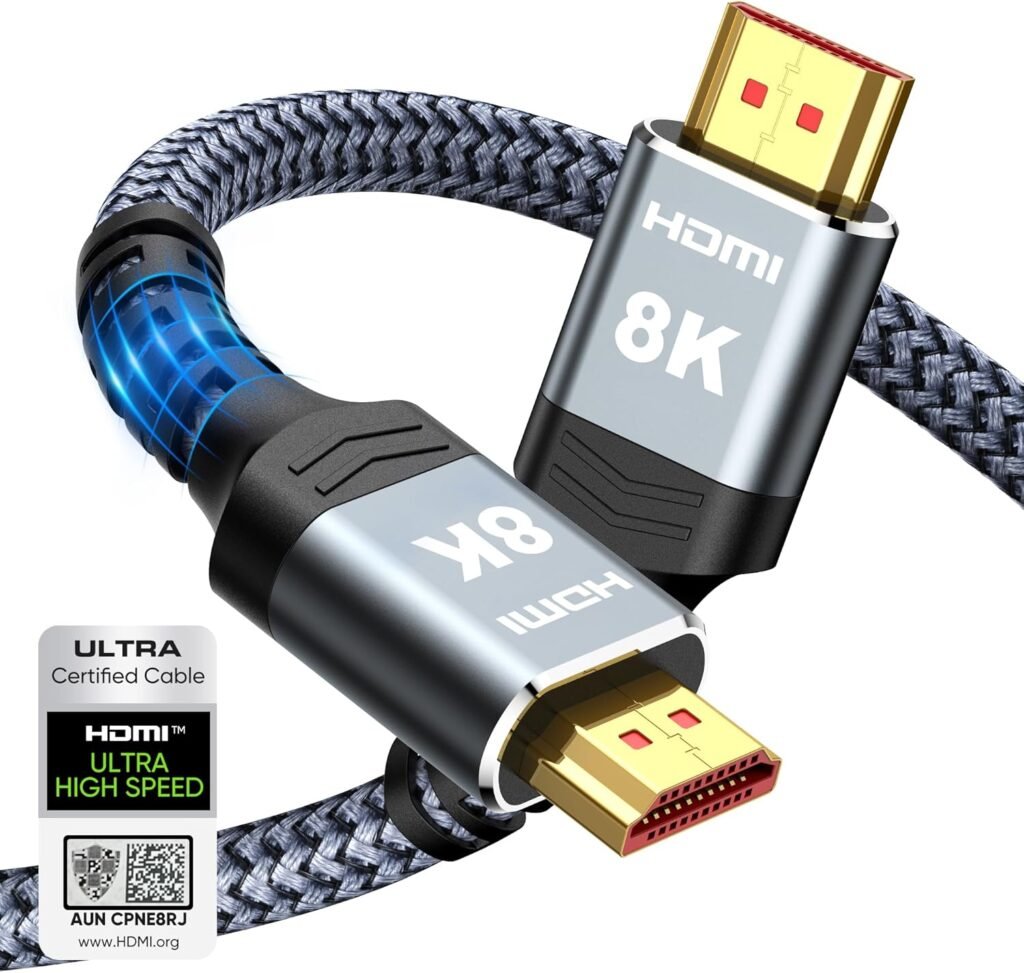
3. High-Speed HDMI Cable — Ensure Maximum Video Quality
Why it matters
Older or low-quality HDMI cables can limit performance, especially when streaming 4K HDR content. A certified high-speed cable ensures your device can output the best picture possible.
Benefits include:
- Reliable 4K and HDR support
- Better color and clarity
- Stable signal without dropouts
Who should get it
✔️ Anyone upgrading to a 4K TV
✔️ Users with older cables
✔️ Home theater enthusiasts
It’s an inexpensive way to guarantee you’re seeing content as intended.
4. Dedicated Power Adapter — Improve Device Stability
Why it matters
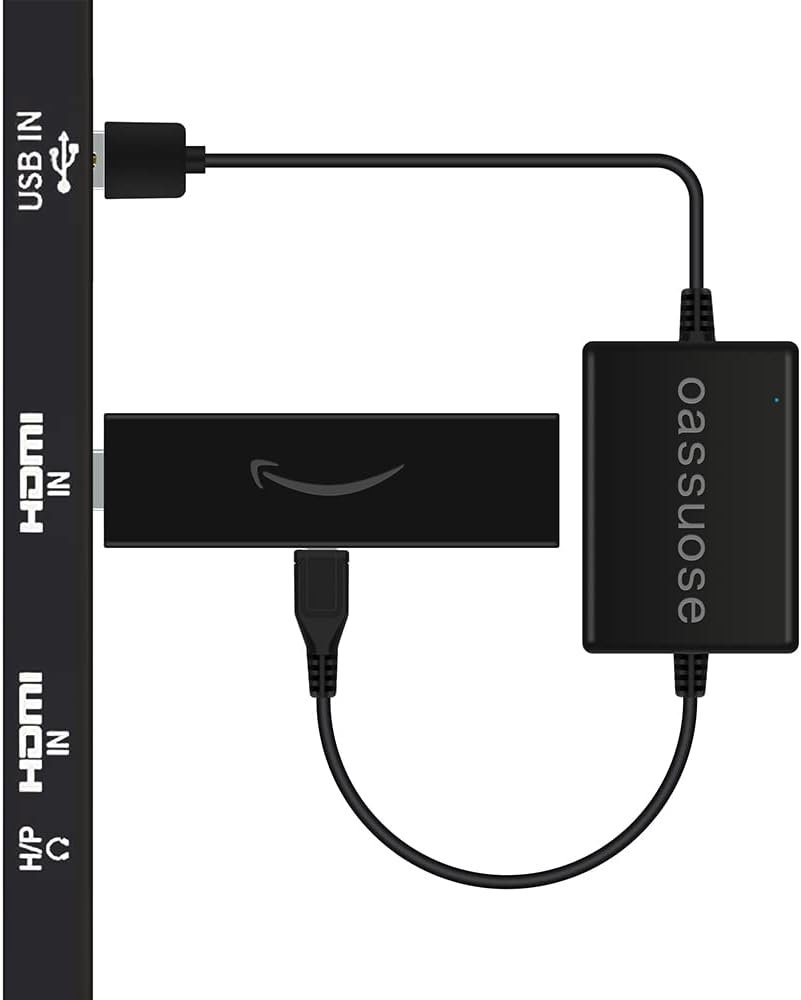
Many people power their streaming device using their TV’s USB port. While convenient, TVs often don’t provide consistent power, which can lead to slowdowns or random restarts.
Using a dedicated wall adapter provides:
- Stable power delivery
- Improved performance
- Fewer glitches
- Better long-term reliability
Who should get it
✔️ Anyone using TV USB power
✔️ Heavy daily streamers
✔️ Users noticing occasional device hiccups
It’s a small change that improves reliability behind the scenes.
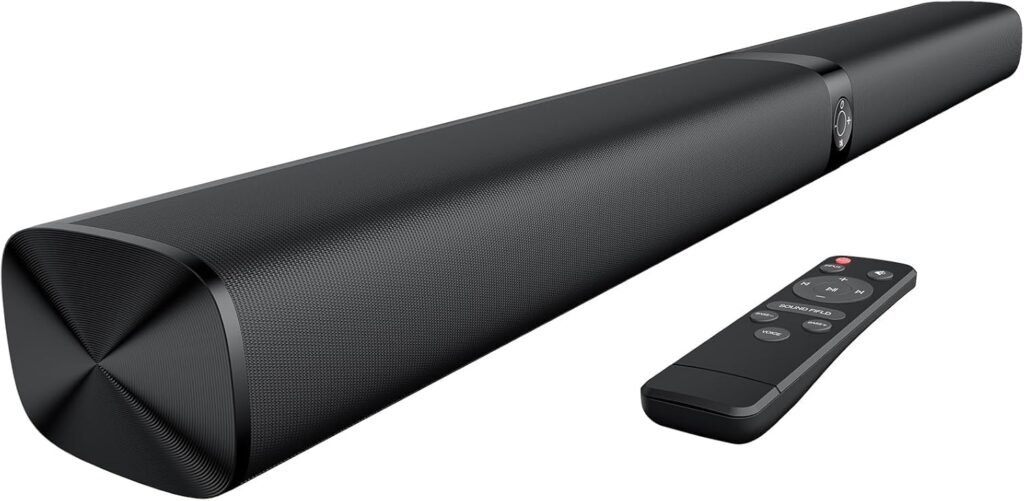
5. Budget Soundbar — The Most Noticeable Upgrade
Why it matters
Even the best streaming device can’t compensate for weak TV speakers. A compact soundbar dramatically improves dialogue clarity and overall immersion.
You’ll notice:
- Clearer voices
- Fuller, richer sound
- Better movie and show experience
Who should get it
✔️ Movie and TV enthusiasts
✔️ Anyone struggling to hear dialogue
✔️ Small to medium living rooms
Even entry-level soundbars provide a huge upgrade over built-in TV audio.
How to Choose the Right Upgrade First
You don’t need to buy everything at once.
Start with the accessory that solves your biggest frustration.
👉 Buffering issues → Ethernet adapter
👉 Navigation frustrations → Better remote
👉 Weak sound → Soundbar
👉 Older setup → HDMI cable
This approach keeps your upgrades practical and cost-effective.
Maybe You Want to Upgrade.
These are Less Than $50👇 best-streaming-device-under-50
Check the Post 👉 best-vpn-for-streaming-2026-speed-reliability-tested

Final Thoughts
Firestick, Roku, and Google TV are already some of the best values in home entertainment. But with the right accessories, you can elevate your setup to feel faster, smoother, and more enjoyable every day.
You don’t need expensive equipment or a full overhaul — just a few smart upgrades that solve real problems and improve your viewing experience immediately.
If you’re looking to get the most out of your streaming device in 2026, these five accessories are the smartest place to start.
FAQ
Do accessories really make a noticeable difference?
Yes — especially Ethernet adapters and soundbars, which directly improve performance and experience.
What’s the best upgrade if I can only choose one?
For most users, an Ethernet adapter provides the biggest performance improvement.
Are premium accessories necessary?
Not usually. Many affordable options provide excellent results for typical setups
Some links are affiliate links.