
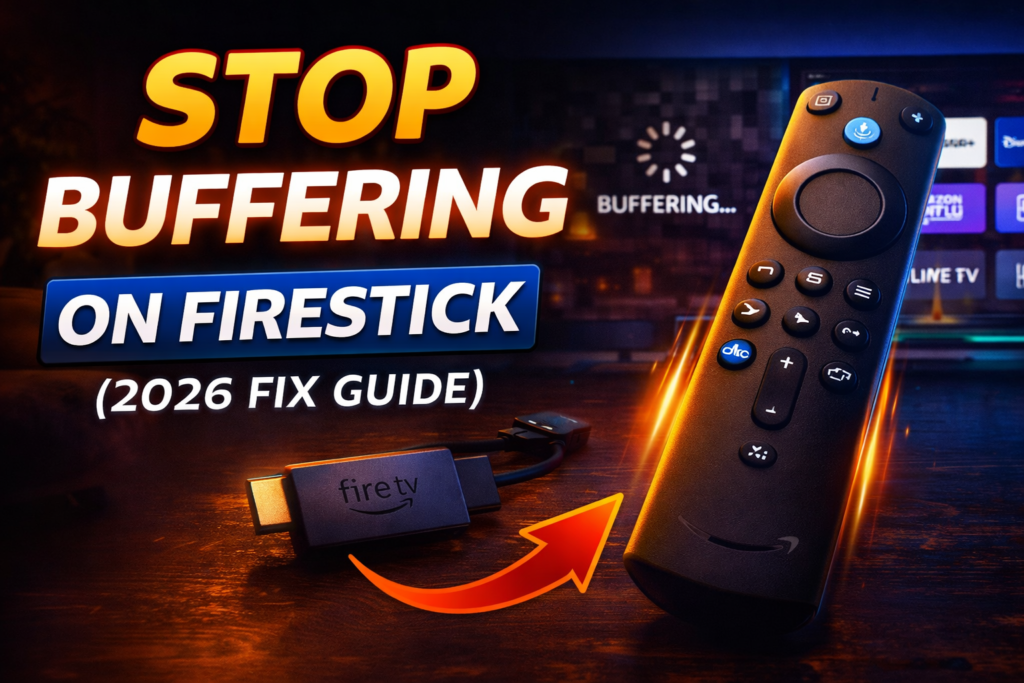
How to Stop Buffering on Firestick (2026 Fix Guide – Works Fast)
If your Firestick keeps buffering, freezing, or lagging—you’re not alone.
The good news: most buffering issues can be fixed in minutes without buying anything.
Let’s fix it step by step 👇

⚡ Quick Fix (Do This First)
- Restart Firestick
- Restart WiFi router
- Close background apps
👉 Already fixes a lot of cases
🚀 1. Clear Cache (BIG IMPACT)
- Go to Settings → Applications → Manage Installed Apps
- Open your streaming app
- Click Clear Cache
👉 Do this for all apps you use or use the new feature to clear cache for all apps.
⚡ 2. Force Stop Background Apps
Apps running = slower performance
- Go to Settings → Applications
- Force stop unused apps
🌐 3. Fix Your Internet (MOST IMPORTANT)
Buffering is usually connection-related.
✅ Best upgrade:
👉 Use an Ethernet Adapter for Firestick
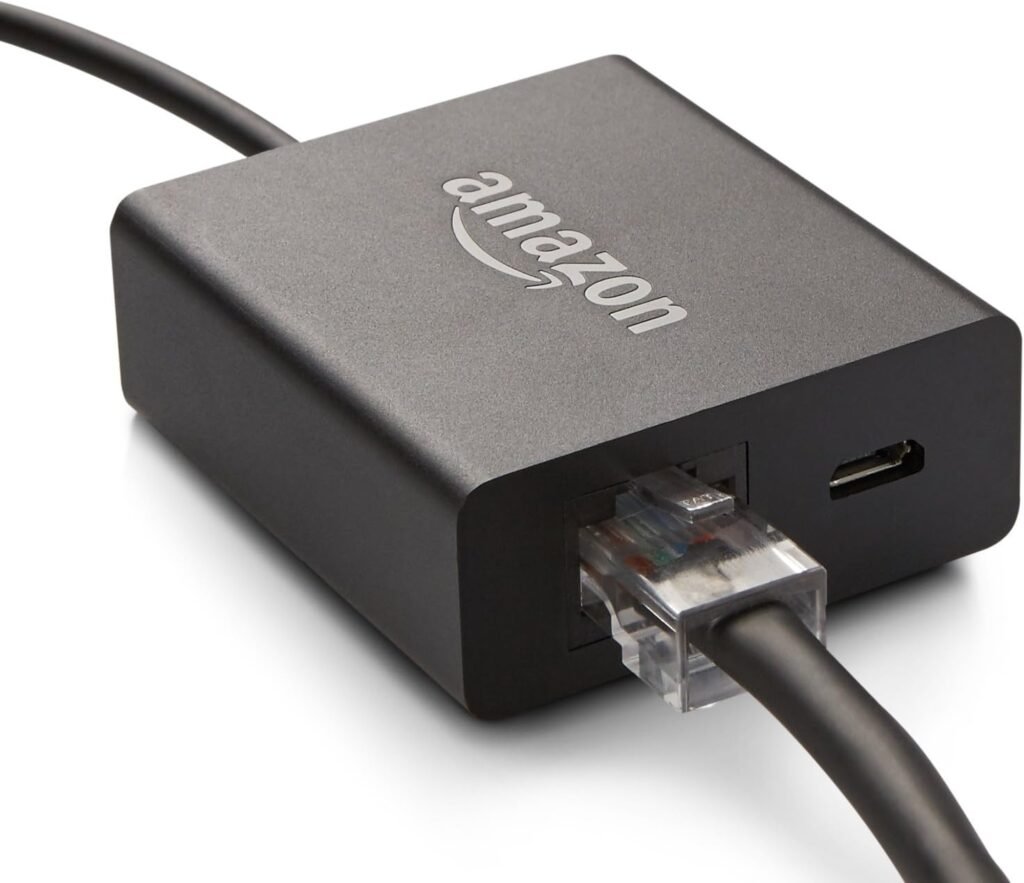
- More stable than WiFi
- Reduces buffering instantly
⚙️ 4. Change These Firestick Settings
Turn OFF:
- Data Monitoring
- App Auto-Play Video
- App Auto-Play Audio
Turn ON:
- Match Original Frame Rate
🧹 5. Free Up Storage
Low storage = lag
- Delete unused apps
- Keep at least 1GB free
📶 6. Move Closer to Router
Simple but effective:
- Avoid walls
- Avoid interference
🔥 7. Update Everything
- Firestick software
- Apps
Outdated versions = performance issues
⚠️ When Nothing Works
If you still get buffering…
👉 Your device might be the problem
Older Firesticks struggle with modern streaming
🏆 Upgrade Option (Best Fix)
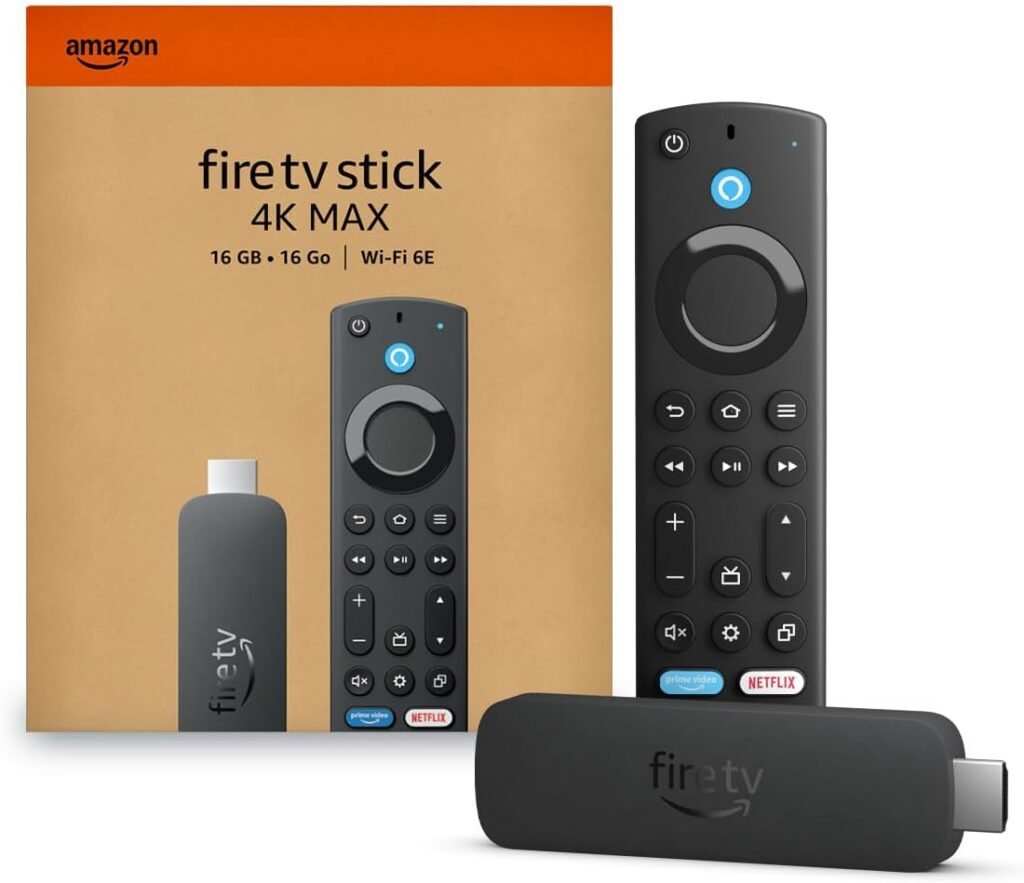
👉 Consider upgrading to Fire TV Stick 4K Max
- Faster processor
- Better WiFi
- Handles heavy streaming easily
🎯 Best Setup (No Buffering)
For the smoothest experience:
- Firestick 4K Max
- Ethernet adapter
- Clean apps + settings
👉 This setup eliminates most buffering issues
🔗 Related Guides (READ NEXT)
- Best Streaming Device for IPTV in 2026
- ONN 4K Plus vs Firestick 4K Max (2026)
- Best Streaming Device Under $50
Best Accessories for You👇Check Prices on Amazon
Best New Devices for You👇Check Prices on Amazon
| Firestick 4K Plus | https://amzn.to/4tP4Xhp |
| Firestick 4K Max | https://amzn.to/3ZDBwB3 |
| Roku Streaming Stick HD | https://amzn.to/4aUwvdv |
| Roku Streaming Stick Plus 4K | https://amzn.to/4tIa2ry |
This post may contain affiliate links. I may earn a commission at no extra cost to you.