
Best Streaming Device for IPTV in 2026 (No Buffering, Fast & Smooth)
If your IPTV keeps buffering, freezing, or lagging—your streaming device is usually the problem.
Not all devices are built for IPTV. Some choke on high-bitrate streams, others struggle with apps, and many simply don’t have the performance needed for smooth playback.
This guide breaks down the best streaming devices for IPTV in 2026, based on speed, stability, and real-world performance—so you can stream without interruptions.

🏆 Quick Answer (Best Picks)
- Best Overall: Fire TV Stick 4K Max
- Best Budget: ONN 4K Plus (Walmart in person is cheaper. this link goes to Amazon)
- Most Flexible: Chromecast with Google TV
👉 If you want the safest choice: go with Firestick 4K Max
👉 If you want best value: ONN 4K Plus is hard to beat
🔥 What Makes a Device Good for IPTV?
Before buying, this is what actually matters:
- Fast processor → prevents buffering
- Enough RAM (2GB+) → smooth app performance
- Good WiFi or Ethernet support → stable streaming
- App compatibility → IPTV apps must run properly
- Storage → avoids crashes/freezing
Most cheap devices fail in 2–3 of these areas.
🥇 Fire TV Stick 4K Max (Best Overall)

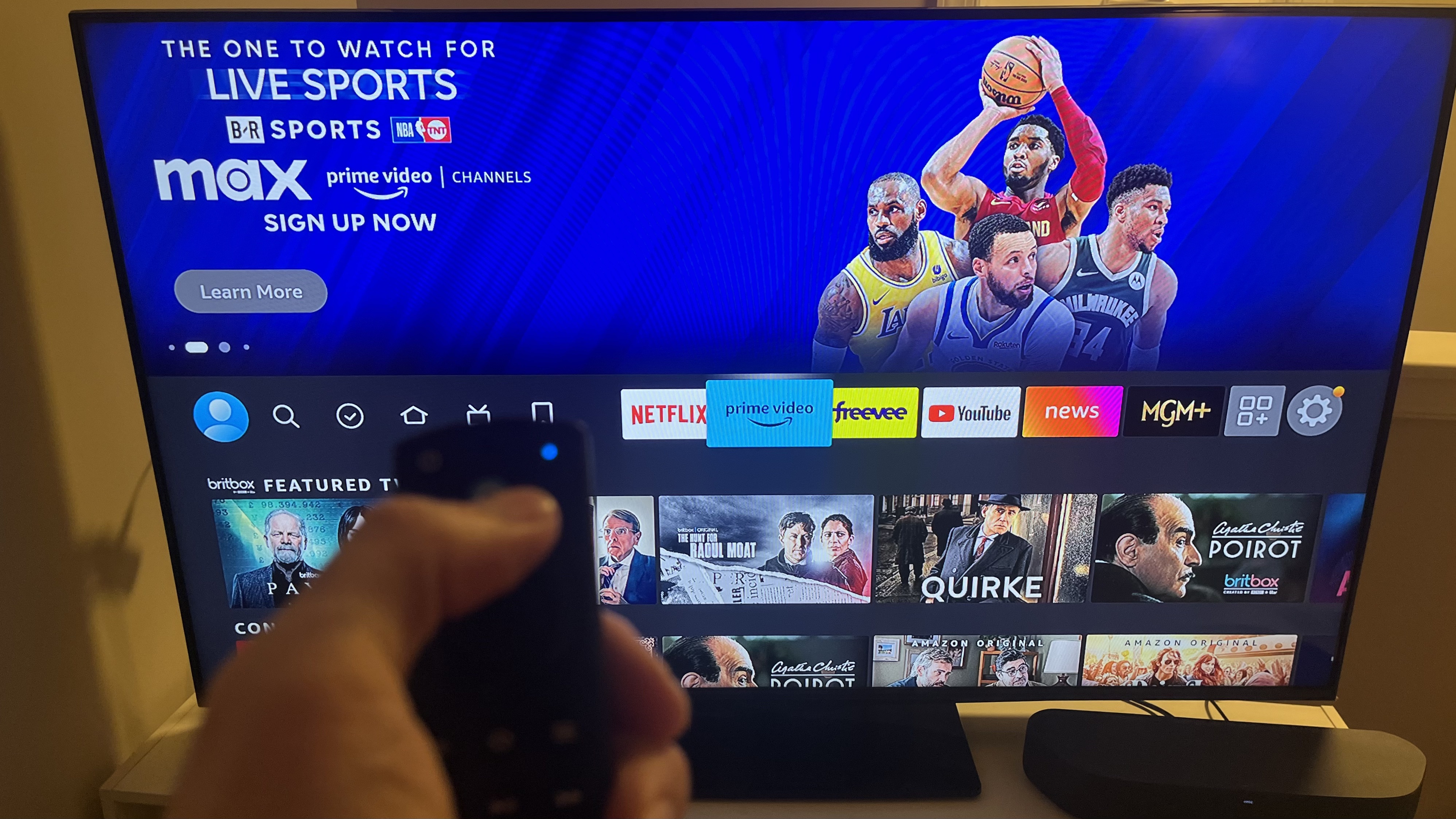
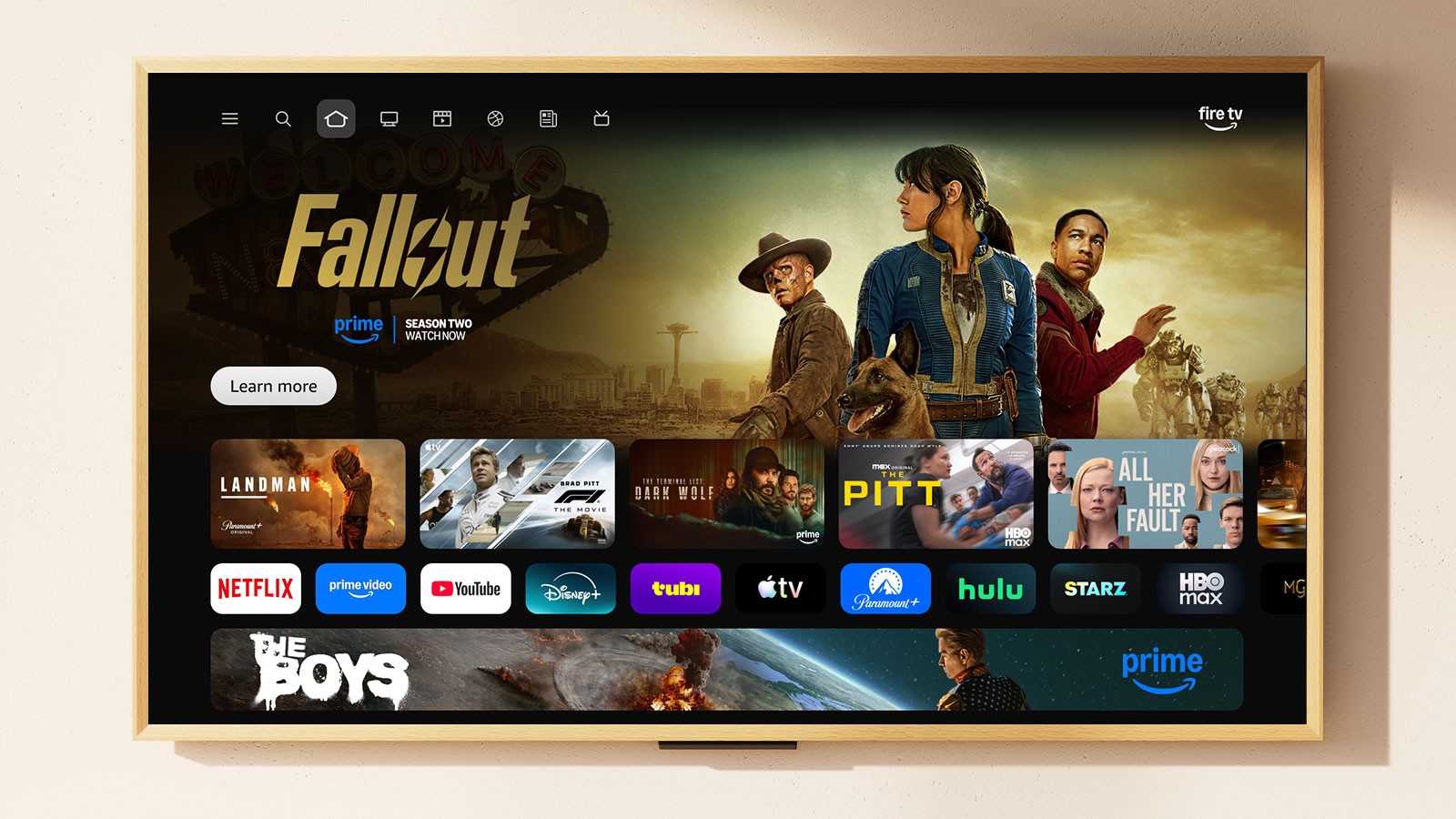
Why it’s the best for IPTV:
- Fast performance (handles high-quality streams easily)
- Excellent app support (all major IPTV apps work)
- Stable WiFi 6 connection
- Smooth navigation (no lag switching apps)
👉 Check latest price on Amazon: Fire TV Stick 4K Max
Best for:
- Most users
- Reliable daily IPTV use
- Zero headache setup
💰 ONN 4K Plus (Best Budget Pick)

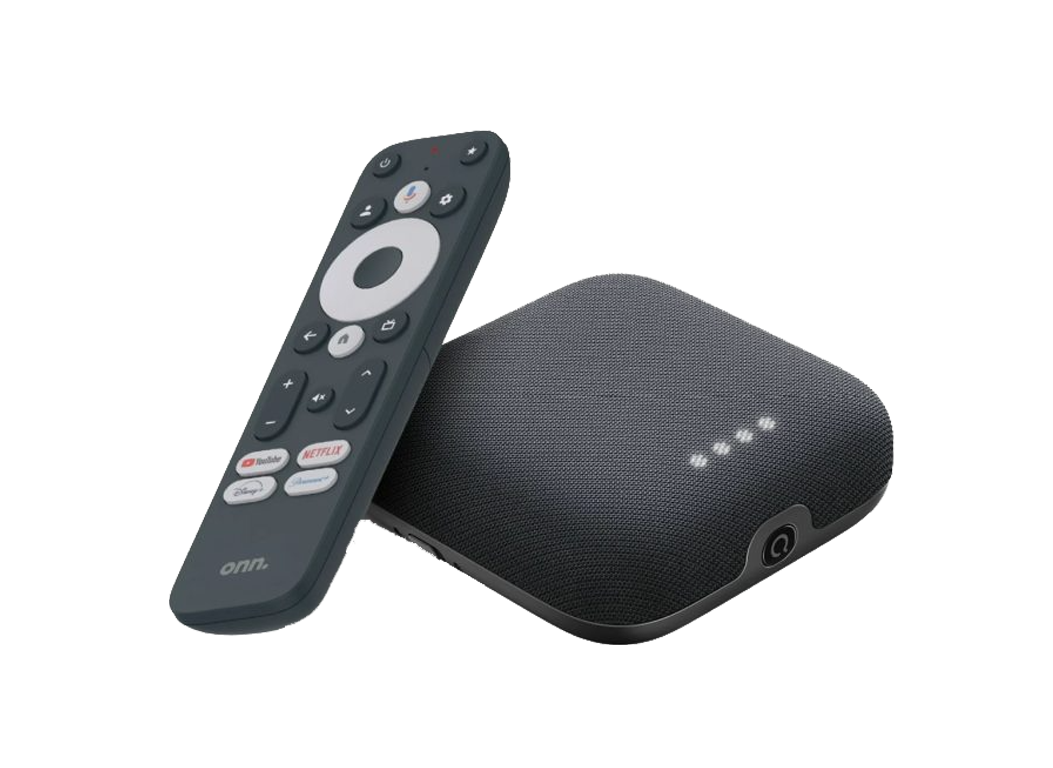

Why it’s blowing up right now:
- Very cheap but surprisingly powerful
- Clean Google TV interface
- Handles IPTV apps smoothly
- No Amazon restrictions
👉 Check latest price (usually under $30): ONN 4K Plus
Best for:
- Budget setups
- Secondary TVs
- Users who want flexibility
⚠️ Downside: Not as polished as Firestick
⚙️ Chromecast with Google TV (Most Flexible)


Why choose this:
- Full Android TV experience
- Great app compatibility
- Smooth interface
- Easy sideloading
👉 Check price here: Chromecast with Google TV
Best for:
- Power users
- Custom setups
- App flexibility
⚡ Performance Comparison
| Feature | Firestick 4K Max | ONN 4K Plus | Chromecast |
|---|---|---|---|
| Speed | ⭐⭐⭐⭐⭐ | ⭐⭐⭐⭐ | ⭐⭐⭐⭐ |
| Stability | ⭐⭐⭐⭐⭐ | ⭐⭐⭐⭐ | ⭐⭐⭐⭐ |
| IPTV Apps | ⭐⭐⭐⭐⭐ | ⭐⭐⭐⭐ | ⭐⭐⭐⭐⭐ |
| Ease of Use | ⭐⭐⭐⭐⭐ | ⭐⭐⭐⭐ | ⭐⭐⭐⭐ |
| Price | 💲💲 | 💲 | 💲💲 |
🚫 How to Reduce Buffering (IMPORTANT)
Even with a good device, buffering can still happen. Fix it with these:
1. Use Ethernet (BIG upgrade)
WiFi causes most IPTV issues.
👉 Recommended: Ethernet Adapter for Firestick / Google TV
2. Close background apps
Too many apps = lag
3. Use a reliable IPTV app
Some apps are just poorly optimized
4. Improve your connection
If streams are unstable, your network matters more than the device
🧠 Final Verdict
- Want reliability? → Firestick 4K Max
- Want cheapest option? → ONN 4K Plus
- Want flexibility? → Chromecast
👉 Most people should choose Firestick 4K Max and be done with it.
🎯 My Recommendation (Simple)
If you don’t want to overthink it:
👉 Get the Fire TV Stick 4K Max
👉 Add an Ethernet adapter
👉 You’re set for smooth IPTV streaming
🔗 Related Guides (READ NEXT)
- Best Streaming Device Under $50
- ONN 4K Plus vs Firestick 4K Max (2026)
- Firestick Settings You MUST Change in 2026
If You Don’t Mind Expending a Little More These are The Best
These Have way more Features. They are what the Power users Preffered.
- NVIDIA Shield TV Pro – 1st
- Apple TV 4K – 2nd
- Fire TV Cube – 3rd
All 3 Have Ethernet Adapters Already on Them!
⚠️ Disclaimer
This post may contain affiliate links. I may earn a small commission at no extra cost to you.