
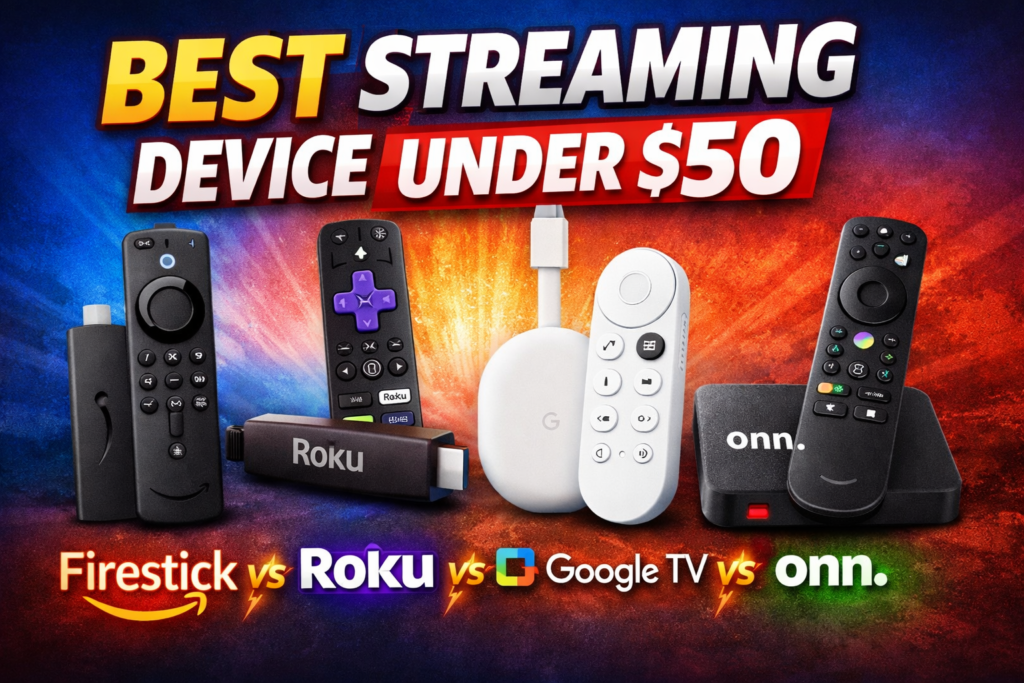

Best Streaming Device Under $50
(Firestick vs Roku vs Google TV vs onn)
If you’re trying to upgrade an older TV or just want a fast, affordable streamer, the sub-$50 category is where most people should start. These devices now deliver 4K, voice control, and full app libraries — but they still feel very different depending on ecosystem, interface, and performance.
Below is a real-world breakdown of the four most popular options and how they compare today.
Check the Post 👉 best-vpn-for-streaming-2026-speed-reliability-tested
Firestick (Amazon Fire TV Stick)
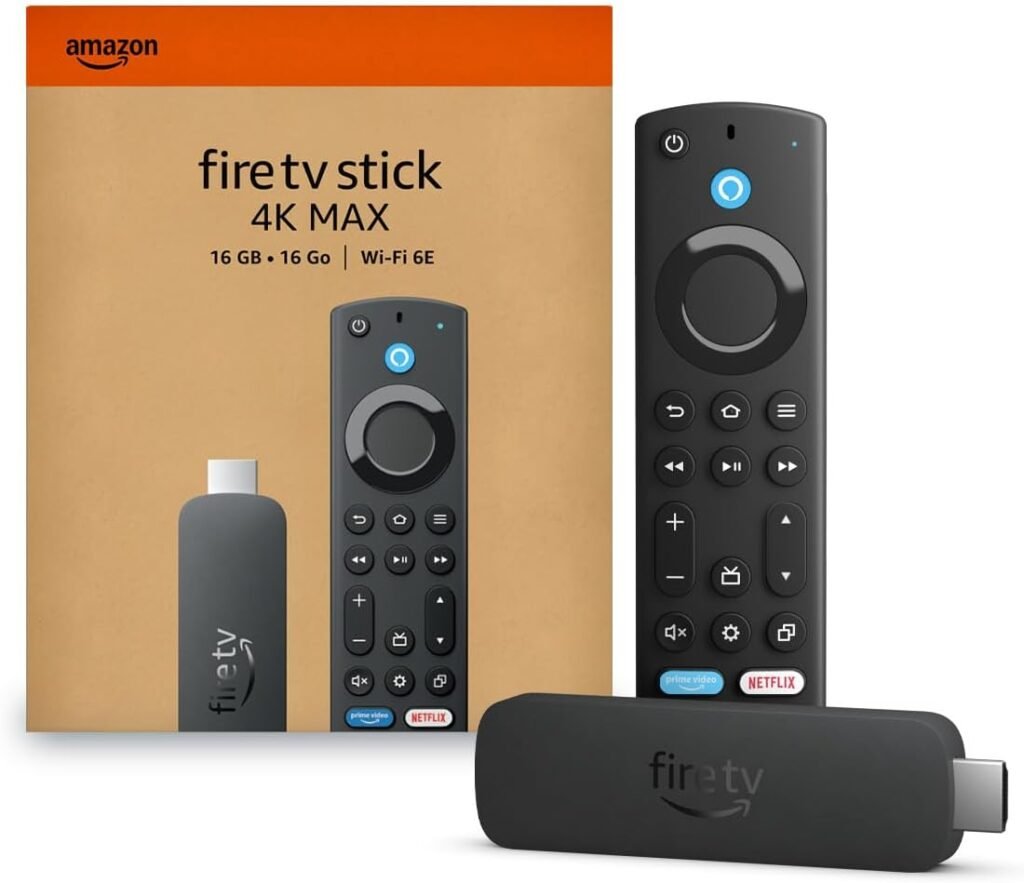
The Fire TV Stick remains one of the most feature-rich budget streamers. Even the lower-priced models offer smooth navigation, strong voice search with Alexa, and access to a massive app library.
In recent comparisons, Fire TV hardware often wins on features and flexibility, “Fire TV still lets you install apps from outside the Amazon store, but Amazon now blocks certain piracy-related apps at the device level—so it’s still a strong option for legit streaming, just less ‘anything goes’ than before.
That flexibility is why it’s still a favorite among power users. However, Amazon’s interface is heavily content-driven and leans toward promoting Prime and sponsored content, which some users find cluttered.
Best for:
- Alexa households
- Users who want advanced features or sideloading
- People who prioritize speed and app support
Roku (Roku Express / Streaming Stick 4K)
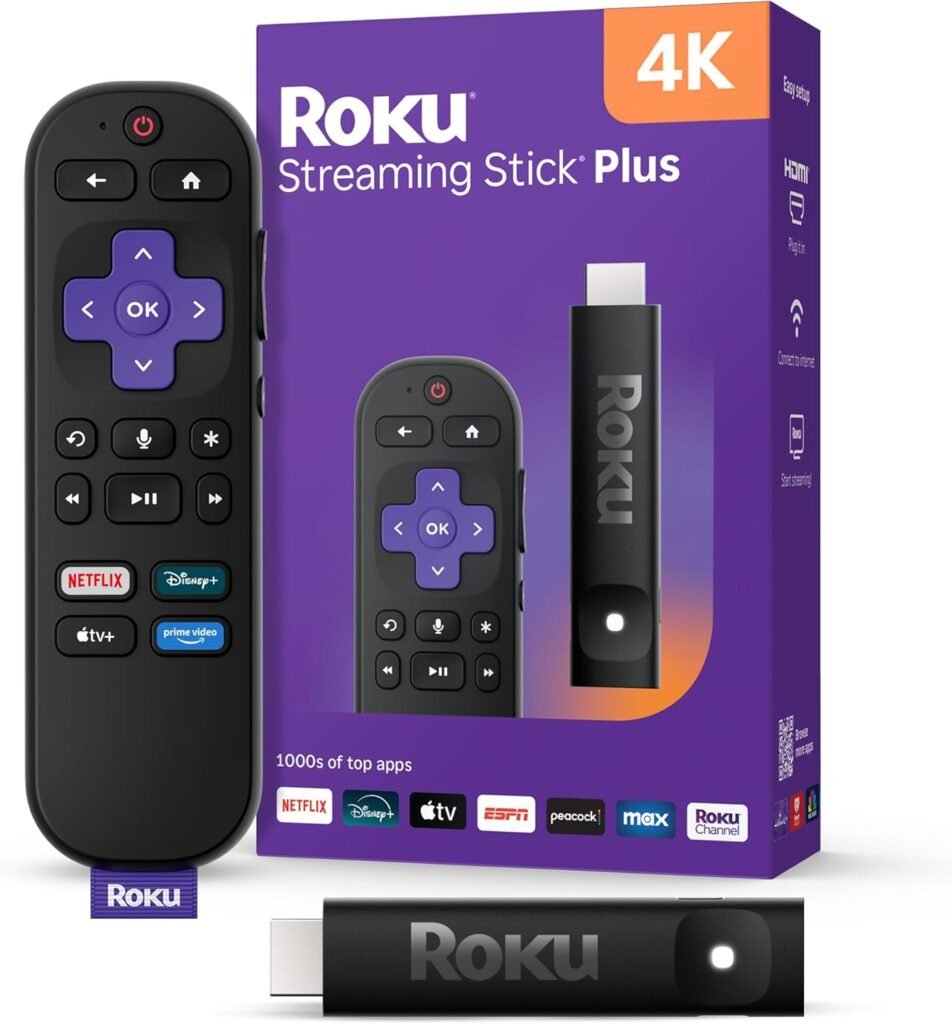
Roku’s biggest strength is simplicity. The interface is clean, easy to learn, and focused on apps rather than recommendations. That’s why it’s consistently recommended for beginners and casual users.
Devices like the Roku Streaming Stick 4K deliver 4K HDR support and a wide selection of streaming apps while staying under the $50 mark, making them a strong value pick.
The trade-off is that Roku is more locked down. You won’t get the same customization or third-party app flexibility you’d find on Fire TV.
Best for:
- First-time streamers
- Simple, clutter-free interface
- Households that just want apps and TV
onn (Google TV Budget Alternative)
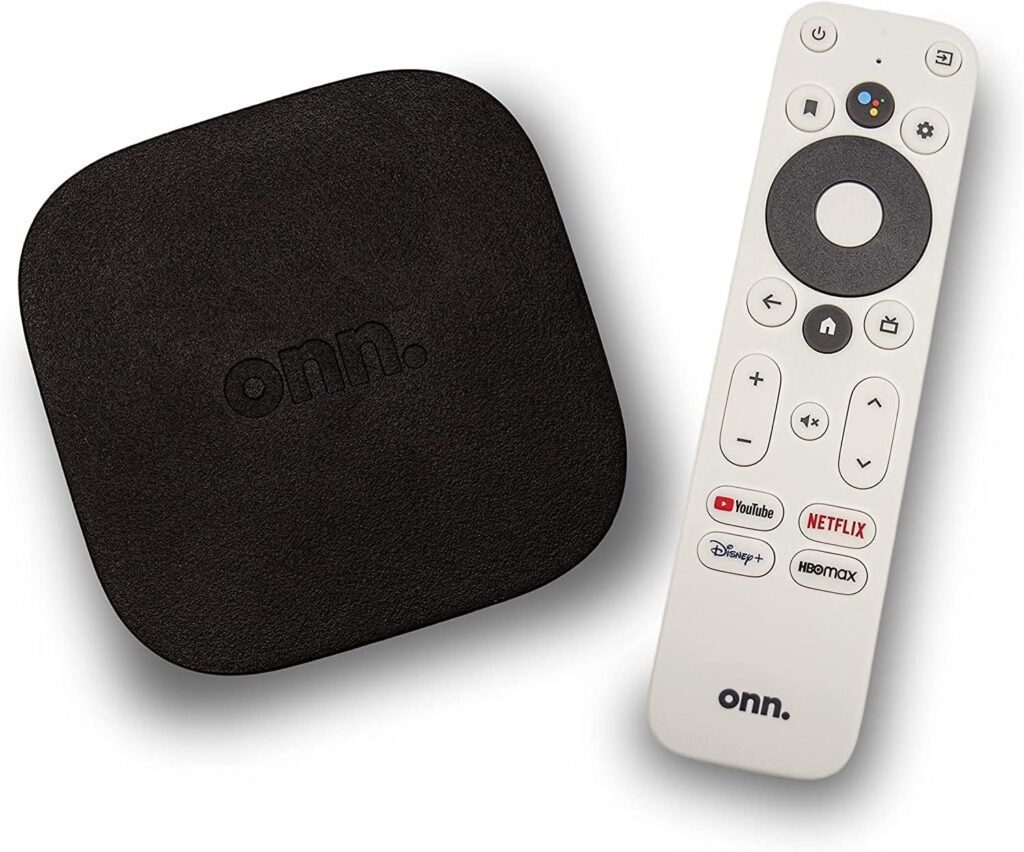
The onn streaming devices have become the surprise value pick in the budget category. They run Google TV, support 4K streaming, and often cost significantly less than competitors while still offering smooth navigation.
Models like the onn 4K Plus include features such as 4K playback, Wi-Fi 6, and increased storage, making them impressive for the price.
Performance is usually slightly behind premium sticks, but the price-to-performance ratio is one of the best in the market.
Best for:
- Budget setups
- Secondary TVs
- Users who want Google TV at the lowest cost
Google TV (Chromecast with Google TV)
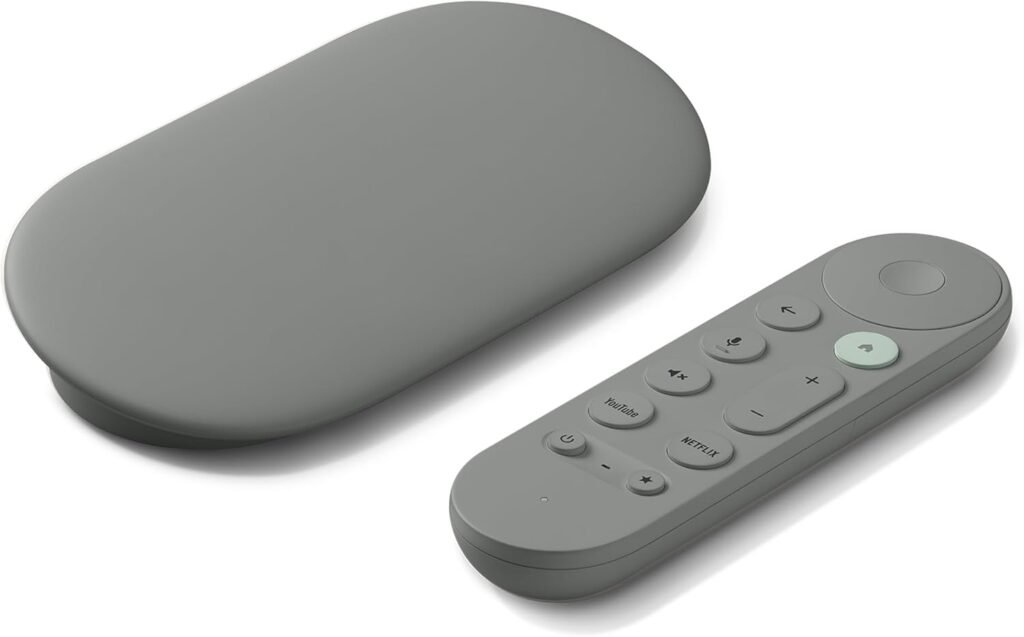
Google has shifted focus to the Google TV Streamer ($99), so older Chromecast models are becoming harder to find and no longer a primary budget option.
Google TV devices focus on content discovery. Instead of opening apps one by one, the interface aggregates shows and recommendations across services, which makes finding something to watch faster.
They also integrate tightly with Google services and smart home devices, letting you control lights, cameras, and more directly from your TV interface.
Performance is generally solid in this price range, though the experience is best if you’re already in the Google ecosystem.
Best for:
- Google Assistant homes
- Users who want smart recommendations
- People who watch across multiple services
Performance & Experience Comparison
Speed: Firestick and Google TV devices tend to feel the fastest
Ease of use: Roku is the simplest
Customization: Firestick wins
Value: onn offers the lowest price with strong features
In real-world usage, all four can stream the same major apps, so the decision comes down more to interface and ecosystem than raw capability.

Final Verdict — Which Should You Buy?
- Best features: Fire TV Stick
- Best overall value: Roku Streaming Stick 4K
- Best budget pick: onn
- Best smart ecosystem: Google TV Streamer $99
If you want something that “just works,” go Roku.
If you like tweaking and flexibility, go Firestick.
If you want smart recommendations, go Google TV.
If you want the cheapest solid option, go onn.
👉Check the Best Streaming Devices Under $50
Some links are affiliate links.
Pingback: 5 Must Have Accessories for Firestick Roku & Google TV Users
Pingback: Best VPN for Streaming 2026 (Speed & Reliability Tested)
Pingback: Do You Really Need a VPN for Streaming in 2026?
Pingback: Beats Studio Pro Headphones Deal – 51% Off
Pingback: CodaAxis
Pingback: GIGABYTE X870 WIFI7 AM5 Motherboard Deal
Pingback: eero 6+ mesh wifi system – 30% OFF
Pingback: HP Business Laptop 1TB 128GB SSD 8GB RAM – 40% off
Pingback: Amazon Echo Show 21 (newest model)
Pingback: Best Streaming Device for IPTV in 2026 (No Buffering, Fast)
Pingback: Best Firestick Alternatives in 2026
Pingback: How to Stop Buffering on Firestick 2026 Fix Guide
Pingback: RAM & SSD Prices Are Rising (2026) – Build or Buy a PC?